



Beyond Theft Prevention: How Jobsite Cameras Quietly Strengthen Safety and Compliance Every Day

Reading time: about 5 minutes
By Jennifer Cisneros, CEO of Advanced Industrial Monitoring. Jen has 10 years of experience in the security and jobsite monitoring industry and writes about construction site security, remote surveillance, AI-assisted monitoring, and practical ways to protect active, remote, and industrial sites.
Most contractors put cameras on a jobsite to stop theft, and that makes sense when a stolen generator or a missing load of copper can stall the work the next morning. What a lot of people don’t realize is that those same cameras can help protect your crew too. The footage helps you spot recurring safety issues, bring real examples into training, document what happened around an incident, and check whether the fix you made last week is actually sticking. You need the cameras to protect your site anyway, so having 24/7 access to every camera from your computer or phone app is the icing on the operational and safety cake.
Why do safety problems build up before anyone notices?
A serious incident can look like it came out of nowhere, but most jobsite problems build slowly as small shortcuts and changing conditions repeat day after day until something finally goes wrong.
Maybe PPE is worn consistently at the start of the project, and then exceptions start showing up as crews get comfortable. Fall protection procedures get followed closely until the schedule tightens and shortcuts start creeping in. Materials start landing in a walkway as deliveries arrive, while tools, cords, and debris pile up in an area that was clear a week ago.
Superintendents and safety staff catch plenty of this during walkthroughs, but nobody can see every corner of a large or multi-level project at the same time. They see the site while they’re physically standing there, which is usually when everyone is on their best behavior. Well-placed cameras give them another set of eyes on the higher-risk areas, so they can review what’s happening and catch a repeated behavior or condition before it turns into an injury. That matters even more when one project manager is responsible for several areas or several sites and can’t get to each one as often as they’d like.
The cameras are a tool for the people already responsible for safety, giving them a way to see what’s happening on site while they’re busy somewhere else.
How can real jobsite footage make safety training more useful?
Generic safety examples have their place, but your crew isn’t working on a generic site. They’re working around your equipment and your access points, on a site that keeps changing as the job moves along.
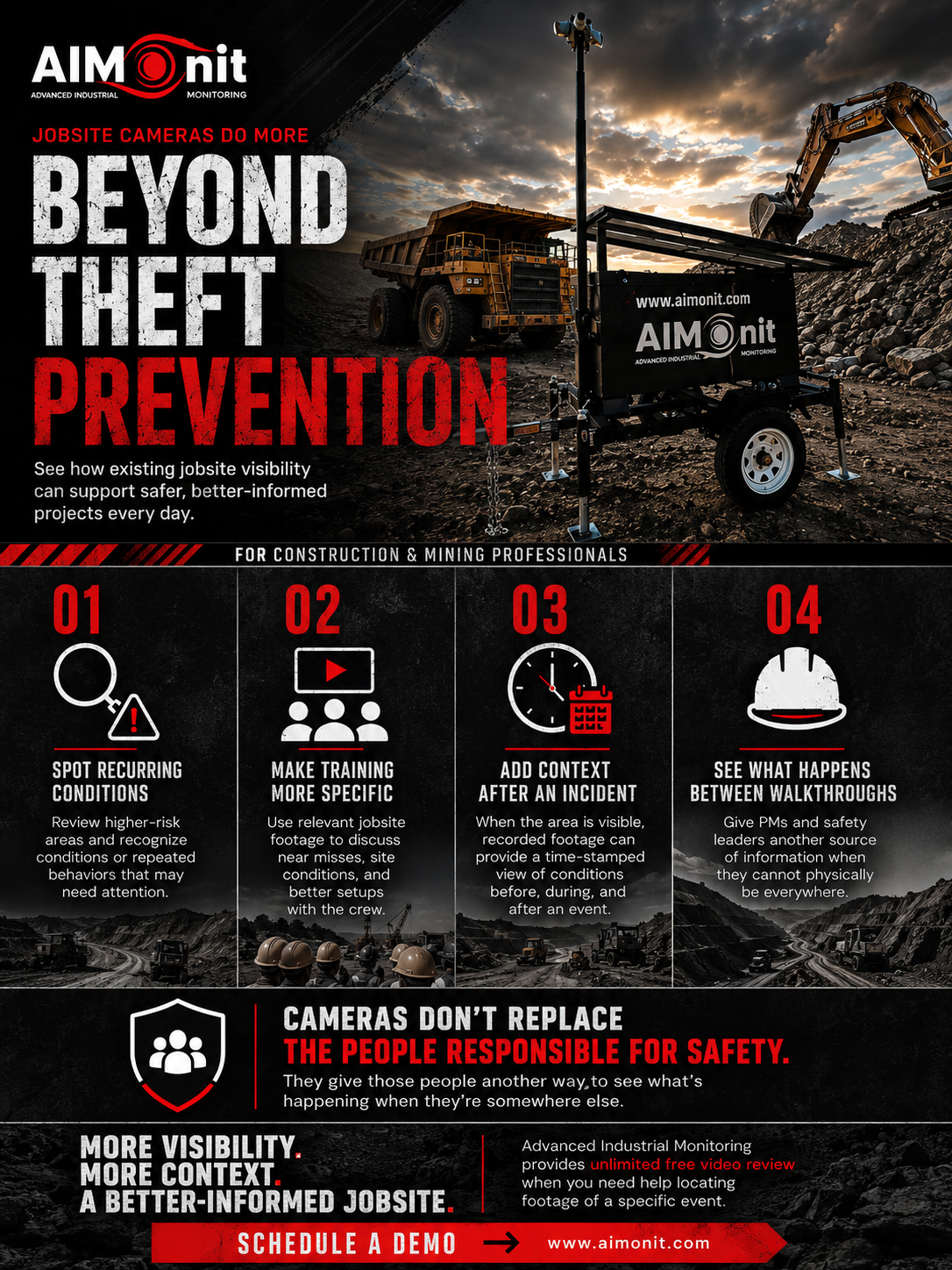
When a camera catches a useful moment, a supervisor can bring that clip straight into a toolbox talk. It might show how a near miss developed, what the area looked like right before an incident, or what the same work zone looks like when it’s set up the right way. Instead of telling a crew that a certain condition could cause a problem, you can show them the actual spot and walk through what happened. The conversation moves to the lead-up instead of only what everyone saw after it was over, and the lead-up is the part people can actually change next time.
You also don’t need someone sitting around watching hours of recorded video to make this work, because you only go looking when there’s a reason to. That’s where AIM’s unlimited free video review really helps. If equipment gets damaged, materials go missing, someone was on site after hours, or you need to find a specific event, just tell us what you’re looking for and we’ll pull the footage for you.
How do you use cameras without your crew feeling watched?
This part matters because the way you use cameras shapes how your crew feels about them. If workers think someone is watching every second looking for small mistakes, you’ll get pushback, and honestly that’s fair. A camera shouldn’t stand in for leadership on the job, and using footage just to build a record of every minor slip will change how people see the whole system pretty quickly.
So be clear about why the cameras are there. They protect the site and give the people running it better information, whether that means reviewing an unsafe condition, understanding an incident, checking an access point, or having a factual record when two people remember the same event differently.
There’s a big difference between using footage to understand a problem and using it to catch somebody doing something wrong. When you keep the focus on fixing conditions at the source, the cameras earn their place alongside the supervisors and safety pros who are already managing the project.
What can cameras document when an incident happens?
When an incident or a serious near miss happens, everyone wants answers fast. You need to know what happened and what the area looked like right before it, and without video you’re piecing that together from written notes and the memories of several people who each saw a different part of it.
If the area is on camera, the recording gives you a time-stamped view of the site before, during, and after the event. Depending on the angle, you may also be able to see signage, barriers, access controls, housekeeping, congestion, and equipment movement around that spot.
Footage won’t replace a proper investigation, and a camera can only document what’s in its field of view, but it gives the people investigating another factual source to work from. That helps a lot when you’re walking an owner, safety director, or insurer through what happened, because instead of relying on different recollections, you can show them the conditions that were actually visible at the time.
How can cameras help PMs and safety leaders day to day?
You don’t need a major incident to get value out of the cameras.
Project managers can check in on higher-risk areas from their phone when they can’t be there in person. Safety managers can use the footage to decide where an in-person visit will do the most good, especially when the same condition keeps showing up. And if you made a corrective action last week, the cameras give you an easy way to see whether it’s holding or whether the same problem is starting to creep back in.
That’s especially useful on a construction site because yesterday’s problem area may not be today’s. As deliveries arrive and materials get moved around, access points shift and each new phase of work brings its own risks, so your monitoring setup needs to move with the job. That’s where mobile camera units make sense, since you can reposition them as the areas you need to protect change.
For a PM, the benefit is pretty simple: you get another way to see what’s happening between walkthroughs and site visits, so it’s easier to decide where your attention is needed most. That kind of visibility between visits also helps keep a project from running late.
How does AIM help protect both your equipment and your crew?
Construction site security and jobsite safety overlap more than people realize, because both depend on knowing what’s happening in the areas you’re responsible for.
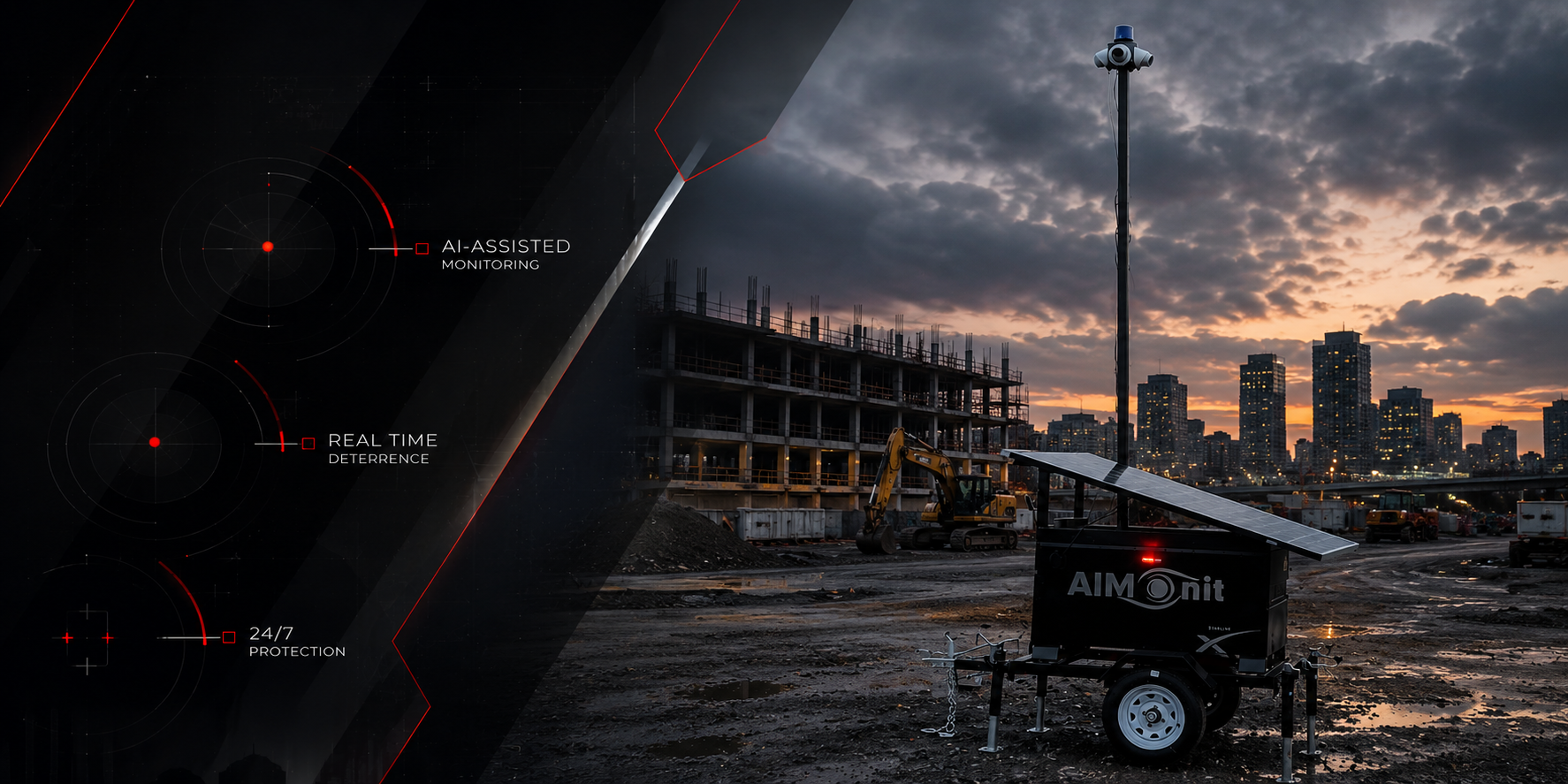
We position cameras around high-value equipment, access points, and the work areas where extra visibility makes sense. AI-assisted monitoring flags unusual movement, after-hours access, or activity in restricted areas so our team can review it, and the recorded footage is there whenever your team needs to go back and understand something later.
Remote projects get that same visibility even when the usual infrastructure isn’t there. Our solar-powered units don’t depend on permanent power, and Starlink surveillance for remote job sites keeps cameras connected where cell service falls short.
Theft is still the main reason most contractors start looking at jobsite cameras, and there’s nothing wrong with that because protecting your equipment and materials matters. Once the cameras are up, though, the footage tells you a lot more than what happened overnight. It helps you catch recurring conditions early and bring real examples to your crew, and it gives you visibility across the whole project without needing another person who has to be everywhere at once.
AIM serves job sites across the entire East Coast of the US and the Caribbean, including New York, New Jersey, Pennsylvania, Delaware, Maryland, Washington, D.C., West Virginia, Virginia, North Carolina, South Carolina, Georgia, Tennessee, and Puerto Rico.
Get in touch with Advanced Industrial Monitoring for a quick demo, and we’ll figure out the right coverage for your site and your budget.
For our services in the Midwest and West Coast, please visit our sister company Jobsite Sentry at jobsitesentry.com.
Frequently Asked Questions
Can jobsite cameras help with safety as well as theft prevention? Yes. The same cameras protecting your equipment give you visibility into work areas and recorded footage you can use to review recurring conditions, near misses, and incidents. They work alongside your supervisors and safety team, who still run the show.
Can jobsite camera footage be used for safety training? Yes, when the clip is appropriate for it. Showing a crew a near miss or a properly set-up work zone from the site they actually work on makes a toolbox talk a lot more specific than a generic example.
Can camera footage help document an incident? Yes, as long as the area is in the camera’s field of view. The footage gives you a time-stamped record of conditions before, during, and after the event, which adds real context to an investigation without replacing it.
Does Advanced Industrial Monitoring provide video review? Yes, and it’s unlimited and free. If equipment is damaged, materials go missing, someone was on site after hours, or you need footage of a specific event, just tell us what you’re looking for and we’ll pull it for you.